
A self hosted CRM gives you full control over capturing, managing, and nurturing your leads while keeping your customer data on your own infrastructure. Instead of relying on third-party SaaS platforms, you install the CRM on your own VPS, dedicated server, or internal network—an option appealing to businesses that value privacy, customization, and predictable long-term costs.
What Is a Self Hosted CRM Software?
A self hosted CRM software is a system that you install and run on your own server. Unlike cloud-based tools where the provider controls the infrastructure, you manage everything from setup to maintenance. You decide where your data is stored, how it is secured, and how the system is customized. With an open source self hosted CRM, you gain full access to the codebase, allowing modifications, integrations with internal tools, and tailored workflow adaptations.
Most self hosted CRM platforms are open source or offer a self hosted version alongside their cloud offering. Many even work as a free self hosted CRM, ideal for smaller teams or testing environments. They are designed to run on standard web stacks such as PHP, Node.js, or Python, and use databases like MySQL or PostgreSQL.
Why Choose a Self Hosted CRM Over Cloud Solutions
The decision between a self hosted CRM and a cloud CRM comes down to your requirements. If having complete control and flexibility is important, a self hosted solution often fits best. You retain full ownership of your data—especially important for industries with strict privacy needs—and can customize the CRM from code-level modifications to building integrations and adapting workflows. In addition, you avoid recurring per-user subscription fees and have the freedom to deploy in isolated environments. At the same time, this approach requires you to manage updates, backups, and security measures.
Key Features to Look for in a Self Hosted CRM

Before choosing a tool, consider the features that make a CRM effective:
- Contact Management: Organize leads, customers, and companies in a structured way.
- Sales Pipeline Tracking: Monitor deals and revenue flows clearly.
- Automation: Use workflow triggers, email automation, and task assignment to reduce manual work and streamline processes.
- Reporting and Analytics: Track performance trends and identify areas for improvement.
- API Access and Integration: Ensure the CRM can connect with other tools easily.
- Security Features: Implement role-based access control and audit logs to support multi-user environments.
Best Self Hosted CRM Software
Below are some top self hosted CRM solutions, each offering distinct benefits depending on your technical expertise and business size:
SuiteCRM
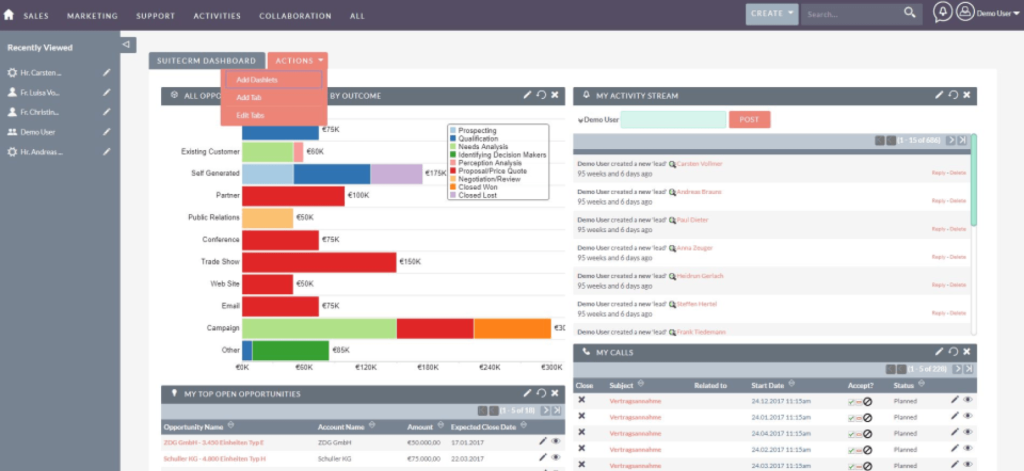
SuiteCRM is one of the more established self hosted solutions. Originally a fork of SugarCRM, it has grown into a full-featured platform with modules for sales, marketing, and customer support. It allows deep customization, although its interface may seem dated and may require performance tuning for larger deployments.
EspoCRM
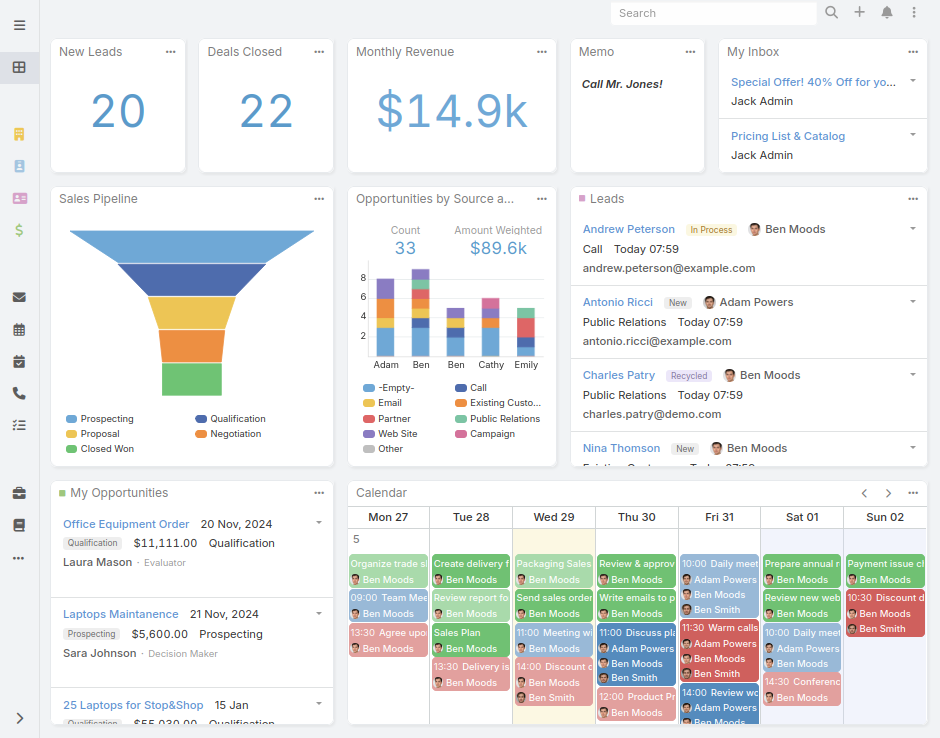
EspoCRM focuses on simplicity and usability while providing strong functionality. With a modern interface and easier deployment compared to heavier systems, it handles contact management, pipelines, and automation without overwhelming customization options—ideal for small to medium teams.
Odoo CRM
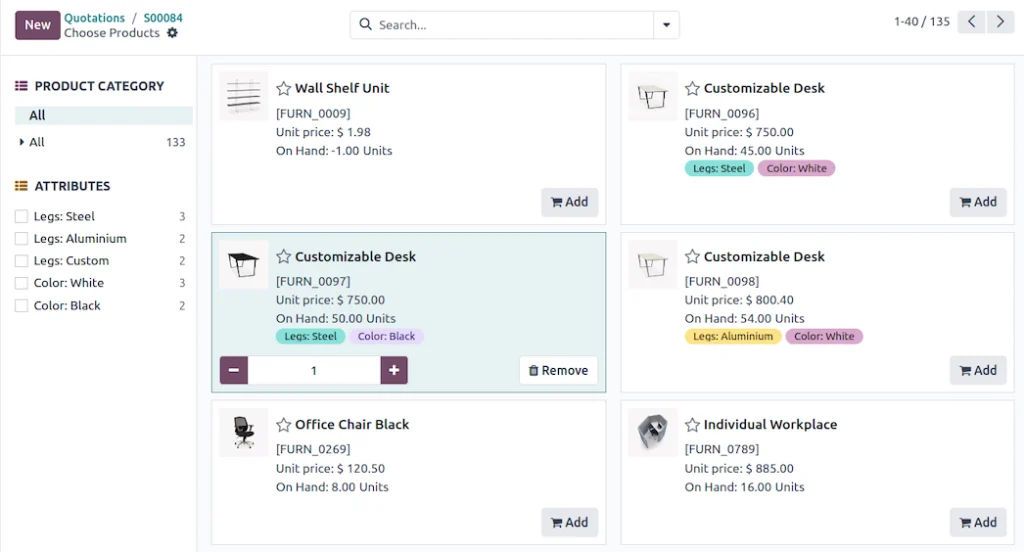
Odoo provides a complete business suite that goes beyond CRM by integrating modules for accounting, inventory, and more. Its CRM module works well with the rest of the business processes. However, the overall complexity and potential extra costs from paid modules make it best for companies that need an all-in-one solution.
YetiForce CRM
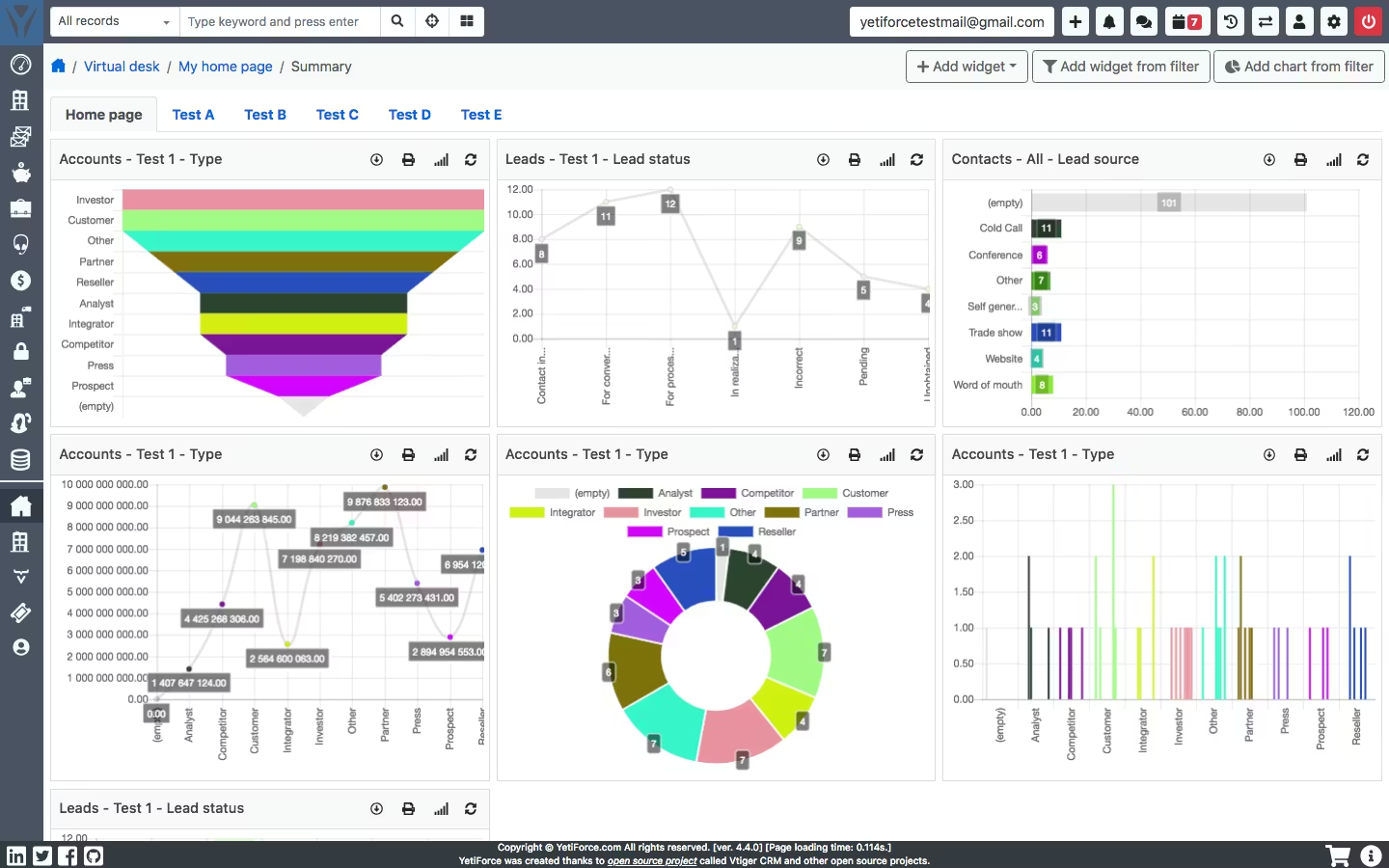
YetiForce is recognized for its focus on security and enterprise-grade features. It offers many modules and customization opportunities that can handle complex business scenarios. A steeper learning curve and higher resource demands make it more suitable for larger organizations with specific requirements.
Vtiger CRM
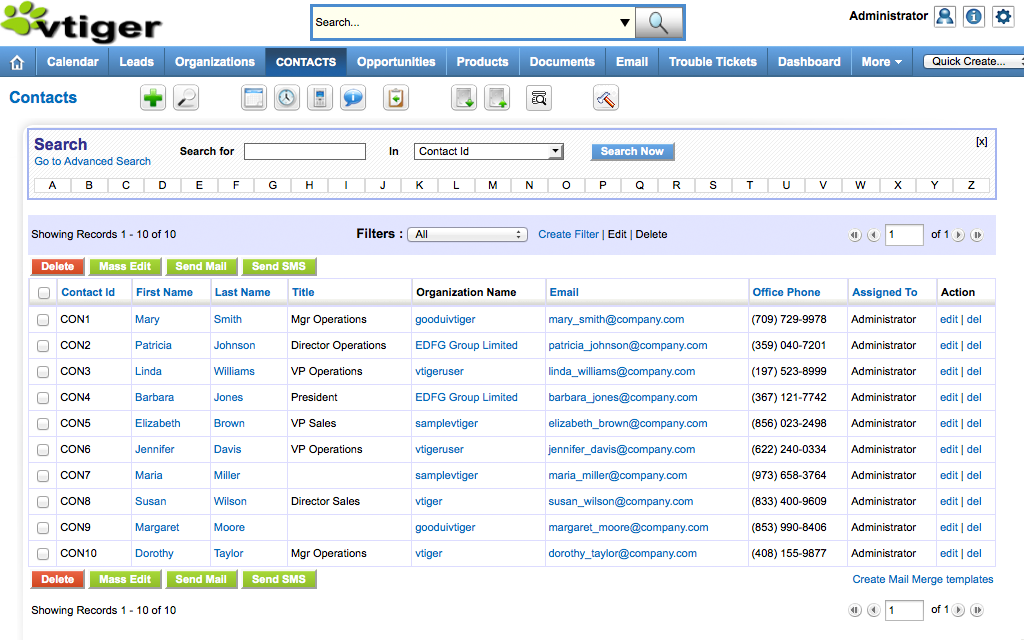
Vtiger began as an open source project and later introduced commercial offerings. Its self hosted version strikes a balance between usability and functionality for sales, marketing, and support. Although certain advanced features are available only in paid editions, it remains a practical solution for teams that need a familiar CRM experience with moderate complexity.
OroCRM
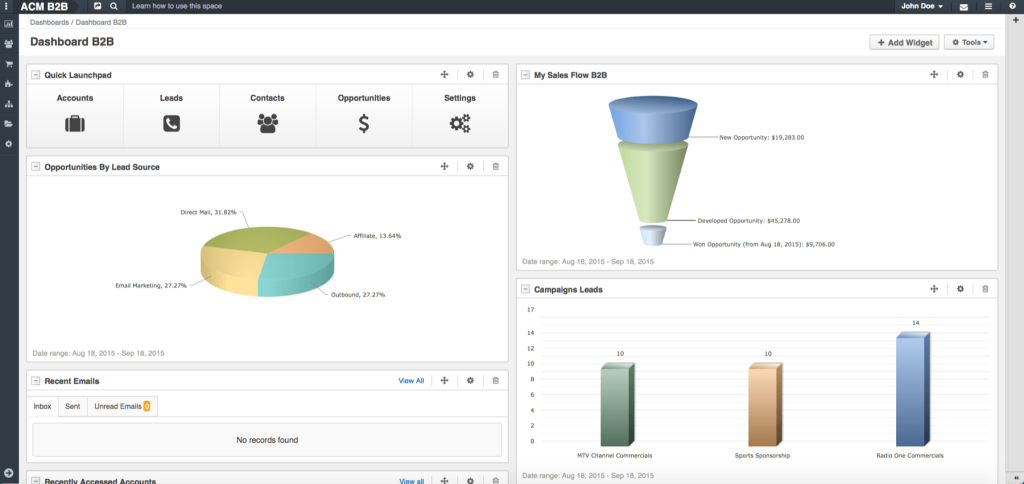
OroCRM is designed with B2B and eCommerce in mind. It offers strong integration capabilities and is capable of handling complex customer data. Since it requires more technical expertise to deploy and manage, it is best for businesses with advanced workflows and specific needs.
Best Self Hosted CRM Solutions for Different Use Cases
Not every CRM suits every scenario. The right choice depends on your priorities and technical capabilities:
- Small Businesses and Startups: EspoCRM provides a lightweight, easy-to-manage solution.
- Enterprise Environments: YetiForce or OroCRM offer advanced features and scalability.
- Teams Prioritizing Simplicity: Vtiger or EspoCRM combine core functionalities with ease of use.
- Developers Needing Customization: SuiteCRM or Odoo cater to complex, customized workflows.
Self Hosted CRM vs Cloud CRM: Practical Comparison

A few points help illustrate the differences:
- Cost Over Time: Cloud solutions charge per user each month, while self hosted options require an initial infrastructure investment plus ongoing maintenance costs.
- Maintenance and Responsibility: Cloud CRMs automatically receive updates and security patches, whereas a self hosted CRM demands that you manage these tasks.
- Flexibility and Customization: Self hosted CRMs offer extensive customization and integration options.
- Security and Compliance: Running your own CRM means managing data location and access, which can be essential for compliance with strict policies.
For teams that need dedicated resources, exploring dedicated server hosting options may provide additional insights into suitable hosting alternatives.
Requirements to Run a Self Hosted CRM Server
Operating your own CRM requires planning and the right server environment:
- Hardware: Ensure your server has sufficient CPU and RAM based on the size of your team and the volume of your data.
- Operating System: Linux-based environments using stacks like LAMP are common. For more details on preparing your server, see our Linux web hosting tips.
- Database: MySQL or PostgreSQL are typical choices.
- Email Setup: Configure email for notifications, alerts, and automation workflows.
- Backups and Monitoring: Use automated backup strategies and monitoring tools to safeguard your data.
How to Set Up a Self Hosted CRM

Setting up a self hosted CRM involves several steps:
- Choose the Right CRM: Pick a system that matches your technical skills and business needs.
- Prepare Your Server Environment: Install all necessary dependencies and software.
- Deploy and Configure the CRM: Follow the installation instructions carefully, paying attention to security settings such as HTTPS and access controls.
- Test Workflows: Verify that all integrations and automated processes work as intended.
When deploying your CRM, consider using a reliable server. For instance, if you are comfortable managing your own server, HostStage’s Unmanaged Linux VPS plans offer SSD NVMe storage and 1 Gbps network connectivity across regions including USA (Atlanta, Los Angeles) and Europe (Amsterdam, Frankfurt, and others). These plans start at $4.95 per month and provide a cost-effective, secure environment for your CRM.
Common Challenges and How to Avoid Them
Several issues can arise when managing a self hosted CRM:
- Maintenance: Regular updates, monitoring, and backups are necessary to keep the system running smoothly.
- Server Sizing: Insufficient resources may slow system performance. Plan carefully based on expected usage.
- Backup Strategies: Without proper backups, data loss can be catastrophic.
- Security Misconfigurations: Follow best practices and conduct routine updates to minimize vulnerabilities.
- Software Complexity: Highly complex software may hinder user adoption and increase the maintenance burden.
When a Self Hosted CRM Is Not the Right Choice
A self hosted CRM is not for every organization. If your team lacks technical expertise or you need rapid scalability without extensive management, a cloud CRM might be more suitable. The self hosted approach demands careful planning and ongoing management of both infrastructure and security.
Conclusion
A self hosted CRM offers control, flexibility, and privacy when managing customer relationships, though it also requires more responsibility in terms of maintenance and security. By aligning your choice with your technical capabilities and business needs, you can choose a system that fits your workflow. Solutions like SuiteCRM, EspoCRM, and Odoo each demonstrate the strengths of a customizable, self hosted approach. For those prepared to manage their own server environment, consider exploring managed VPS with cPanel options from HostStage, available across multiple regions with features including a cPanel/WHM license and priority support.
FAQs
What is a self hosted CRM software?
A self hosted CRM software is a system you install on your own server, giving you control over data storage, security, and customization.
Why would a business choose a self hosted CRM over a cloud CRM?
Businesses often choose self hosted CRMs to maintain data privacy, avoid recurring subscription fees, and customize workflows to meet specific needs.
Can I use a free self hosted CRM?
Yes, many platforms offer free or open source self hosted CRM versions suitable for testing or for smaller teams.
What are the key technical requirements for running a self hosted CRM?
You will need a reliable server (often Linux-based), a database management system (such as MySQL or PostgreSQL), proper email configuration, and a backup and monitoring system.
How do I decide which self hosted CRM is best for my business?
Assess your technical expertise, business requirements, and the level of customization you need. Compare features like contact management, sales tracking, and integration capabilities across options such as SuiteCRM, EspoCRM, and Odoo.