
Struggling to run Screaming Frog and other SEO crawlers on your local computer? You may be hitting CPU limits, memory caps, and unpredictable throttling that force audits to stall. This guide explains which Windows VPS specifications, datacenter locations, and server settings keep tools like Screaming Frog, GSA Search Engine Ranker, and rank trackers running 24/7 without constant supervision.
Why a Windows VPS Beats Local Computers for SEO Tools
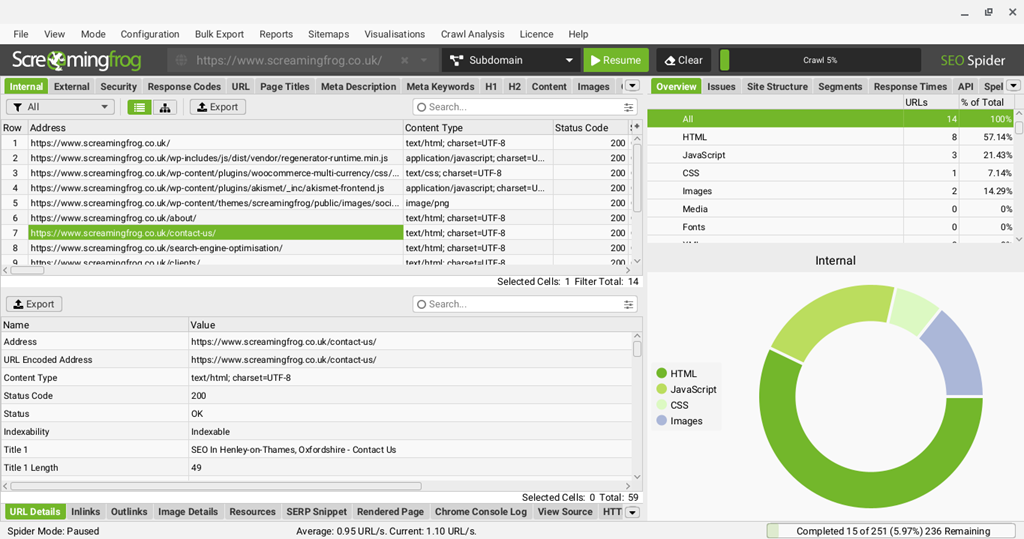
When your crawler stalls at 200,000 URLs or your laptop sleeps through an overnight rank check, the environment is often at fault—not the tool. Local computers are built for daily work: browsing, video calls, document editing. SEO software that opens thousands of simultaneous connections, holds large datasets in memory, and runs for hours has to share resources with everything else you do on the same machine. A Windows VPS provides reserved CPU cores, guaranteed RAM, and 24/7 datacenter networking, which is essential for high-demand SEO workflows.
Consistency under load matters. SEO tools scale with the number of threads, sending multiple parallel requests, but on a working laptop CPU time is split between the crawler, browser tabs, Slack, Zoom, and OS background tasks. Thermal throttling on thin-and-light hardware can cut sustained performance in half during long audits. A 2 vCPU VPS handles moderate crawling comfortably, while a 4 vCPU configuration better accommodates heavier jobs without ever competing with your day-to-day apps. Memory is equally crucial: tools such as Screaming Frog may use 2GB to over 8GB of RAM depending on crawl size and Java heap allocation. On a VPS, that memory is dedicated entirely to your tasks instead of fighting Chrome for headroom.
Network reliability is the other half of the story. Residential connections have asymmetric bandwidth, variable latency, and IPs that crawled sites often rate-limit or block outright—datacenter IPs behave far more predictably for sustained outbound requests. Add ISP hiccups, Wi-Fi drops, and a laptop lid that closes when you head out, and an overnight crawl becomes a coin flip. A VPS sits on redundant power and enterprise networking, so a job that starts at 11pm is still running at 7am.
Many SEO teams also rely on Windows-specific features like Remote Desktop (RDP) for persistent GUI sessions you can reconnect to from any device, and Scheduled Tasks to run crawls or exports at set times—even when your laptop is closed on the other side of the country. Some tools still depend on .NET or other Windows-only executables that don’t run cleanly on macOS or unmanaged Linux VPS. The result: fewer interrupted crawls, fewer missed jobs, and more predictable uptime.
Mapping SEO Tools to VPS Specs: CPU, RAM & Storage
Determine your Windows VPS requirements by matching each tool’s demands to hardware benefits:
- RAM-bound tasks: Crawlers that enable JavaScript rendering may need extra memory.
- CPU-bound tasks: SEO scrapers and rank trackers benefit from multiple threads.
- Storage-bound tasks: Tools handling large files or caches perform better with fast SSD or NVMe drives.
Below is a summary table for key SEO tools:
| SEO Tool | Official min vCPU/RAM | Recommended Plan Specs | Expected Pages/sec Throughput |
|---|---|---|---|
| Screaming Frog SEO Spider | 2 vCPU / 8GB RAM | 4 vCPU / 16GB RAM / NVMe SSD | 5–20 pages/sec depending on render mode, site response, and thread count |
| GSA Search Engine Ranker | 2 vCPU / 4GB RAM | 4–6 vCPU / 8–16GB RAM / NVMe SSD | Roughly 80–250 verified links/day per project quality mix |
| Rank Tracker (SEO PowerSuite) | 2 vCPU / 4GB RAM | 4 vCPU / 8GB RAM / SSD or NVMe | 20–100 keyword checks/min depending on engines, proxies, and API limitations |
For small tasks, a 2 vCPU setup might be workable, but for continuous or heavy workloads—and to cover Windows overhead—a VPS with 4 vCPUs is a safer minimum.
Screaming Frog’s guidelines themselves underscore a need for more memory on larger crawls, especially when headless Chrome is used. A simple HTML crawl might work with 8GB RAM, while JavaScript-heavy sites may require 16GB.
For additional thoughts on crawl efficiency, see TTFB & SEO: Optimize Crawl Efficiency & Speed.
Real-World Performance Benchmarks for Windows SEO VPS
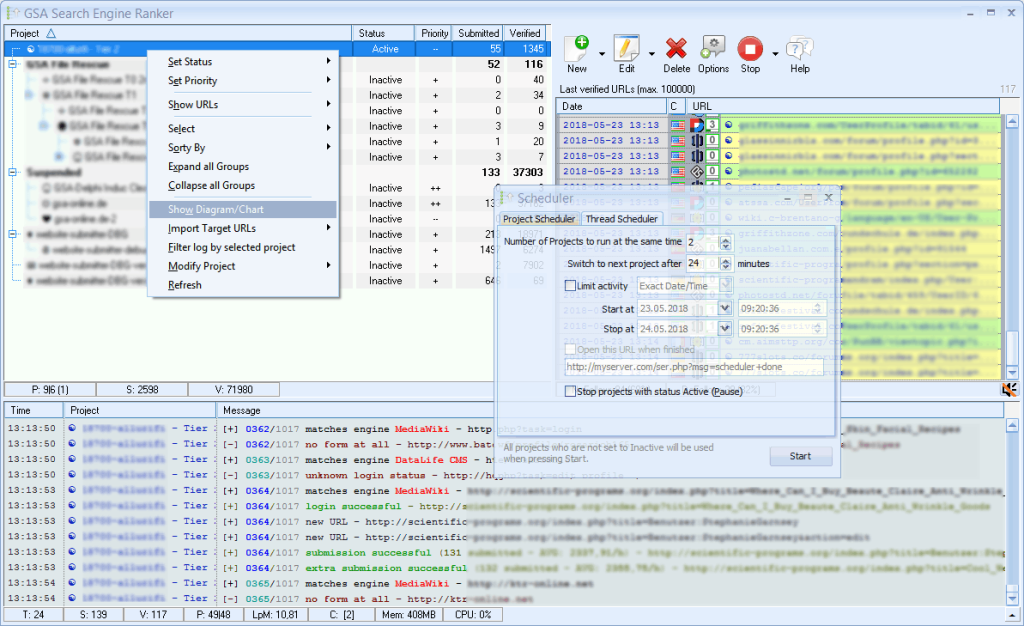
Raw specs are helpful, but the real test is how quickly a crawl completes. The key performance metric is the number of pages per minute that Screaming Frog can process, a benchmark combining CPU, RAM, and storage speed. Upgrading from an entry-level VPS to a mid-range VPS might mean finishing an audit in minutes rather than hours.
Below is a placeholder table converting plan sizes into throughput. The figures assume a standard HTML crawl on Windows Server with moderate threads and typical target site response times.
| Plan Tier | Storage Type | Pages/min Crawl Speed | Avg TTFB during Crawl | CPU Utilization |
|---|---|---|---|---|
| 2 vCPU / 4GB | HDD | benchmark_placeholder | benchmark_placeholder | benchmark_placeholder |
| 2 vCPU / 4GB | SSD | benchmark_placeholder | benchmark_placeholder | benchmark_placeholder |
| 2 vCPU / 4GB | NVMe | benchmark_placeholder | benchmark_placeholder | benchmark_placeholder |
| 4 vCPU / 8GB | HDD | benchmark_placeholder | benchmark_placeholder | benchmark_placeholder |
| 4 vCPU / 8GB | SSD | benchmark_placeholder | benchmark_placeholder | benchmark_placeholder |
| 4 vCPU / 8GB | NVMe | benchmark_placeholder | benchmark_placeholder | benchmark_placeholder |
| 8 vCPU / 16GB | HDD | benchmark_placeholder | benchmark_placeholder | benchmark_placeholder |
| 8 vCPU / 16GB | SSD | benchmark_placeholder | benchmark_placeholder | benchmark_placeholder |
| 8 vCPU / 16GB | NVMe | benchmark_placeholder | benchmark_placeholder | benchmark_placeholder |
Upgrading to a balanced configuration—such as a 4 vCPU/8GB VPS with SSD or NVMe storage—can help maintain a steady crawl pace.
Geo-Targeted VPS Locations to Minimize Crawl Latency
Even a well-sized server can feel sluggish if it sits on the wrong side of the world. Two latencies actually matter for SEO work: the distance between you and the VPS (which dictates how snappy your RDP session feels and how fast your dashboards load), and the distance between the VPS and your target sites (which affects raw crawl speed). For day-to-day productivity, the first one matters more than most people expect.
If you’re spending hours inside a Remote Desktop session—configuring Screaming Frog, watching crawl progress, exporting reports, navigating SEMrush or Ahrefs in a browser—every click, keystroke, and scroll travels back and forth between you and the server. A VPS in your own region keeps RDP latency under ~40ms, which feels near-native. A VPS halfway around the world at 200ms+ feels laggy on every interaction, and that friction compounds across an 8-hour workday far more than a few extra milliseconds per crawl request ever will. Crawlers run in parallel and absorb network latency across thousands of threads; you don’t.
So the rule of thumb is: pick a VPS close to where you work, then worry about target-site proximity only if you’re crawling a single geo-specific market at very high volume. Most SEO crawls are bottlenecked by the target site’s response time and your concurrency settings, not by the 50–100ms of extra network distance.
That said, when the target market is narrow and latency-sensitive (large-scale audits, rank tracking from a specific country, or testing geo-served content), matching the VPS to the target region still helps. Use this as a rough guide:
| VPS Region | Typical Low-Latency Target | Good Latency Threshold | Caution Zone |
|---|---|---|---|
| London / Manchester | .co.uk, UK-hosted .com | under 30ms | over 80ms |
| Frankfurt / Amsterdam / Paris | .de, EU-hosted .com, .fr, .nl | under 40ms | over 100ms |
| New York / Chicago / Dallas | US-targeted .com | under 40ms | over 100ms |
| Singapore / Tokyo | APAC-targeted .com, regional sites | under 50ms | over 120ms |
When evaluating a region, test latency both ways: ping the VPS from your own connection, and from the VPS test latency to a handful of target domains and key API endpoints. If your working latency is comfortable and target-site round trips stay under ~100ms, you’re in good shape. If you want a single safe default and your work isn’t tied to one geographic market, pick the VPS region closest to you and let the crawlers handle the distance.
Sizing Your Windows VPS for SEO Workloads
Once you’ve picked a region, the next decision is plan size. SEO tools scale roughly along three axes—crawl size (URLs), parallel threads, and how many tools you run at once—so the right tier depends less on price and more on the heaviest job you actually need to finish. Our Windows VPS line at HostStage is built across six tiers, all on Intel Xeon Platinum with DDR4 ECC RAM, NVMe SSD storage, a 10 Gbps network, and the Windows license included.Here’s how the tiers map to typical SEO workloads leveraging our VPS solutions:
| Plan | Best For | Typical SEO Workload |
|---|---|---|
| KITTEN | Solo SEOs, light rank tracking | Crawls up to ~50k URLs, scheduled rank checks, light scraping. Screaming Frog with default heap, single tool at a time. |
| CAT | Freelancers, small agencies | Crawls 50k–150k URLs, parallel rank tracking + scraping, comfortable headroom for browser-based SEMrush/Ahrefs sessions over RDP. |
| OCELOT | Agencies running daily audits | Crawls 150k–500k URLs, multi-threaded scraping (ScrapeBox, GSA), concurrent SEO tools, light automation stacks. |
| LEOPARD | In-house SEO teams, automation-heavy | Crawls 500k–1M+ URLs with elevated Java heap, RPA/automation tools running 24/7, multiple scheduled jobs without contention. |
| JAGUAR | Enterprise audits, agencies at scale | Million-URL crawls, heavy parallel automation (Money Robot, GSA SER at full throttle), multi-user RDP sessions for team access. |
| LION | Power users running everything | Effectively a small dedicated machine: simultaneous large crawls, full automation stacks, headless browser farms, no resource ceiling for typical SEO workloads. |
The practical rule: size to your worst-case crawl, not your average one. Screaming Frog can balloon from 2 GB to 8 GB+ of RAM heap on a single large site, and if your VPS runs out of memory mid-audit, you lose the entire crawl. It’s cheaper to provision one tier above your usual workload than to redo a 12-hour job.
If you’re unsure where you land, start at CAT or OCELOT and use the upgrade path: HostStage Windows VPS plans are scalable on the fly from the control panel—you upgrade to a larger tier in two clicks, only pay the prorated difference, and a single restart applies the new resources without losing any data. That means you can right-size as your workflow grows instead of overpaying upfront.
For continuous, always-on workloads—scheduled crawls, rank tracking, automation that runs 24/7—monthly billing on a fitting tier is almost always more economical than oversizing. For occasional heavy audits, it’s often more cost-effective to temporarily upgrade for the audit window and downgrade after.
Next Steps: Deploy and Automate Your Windows SEO VPS
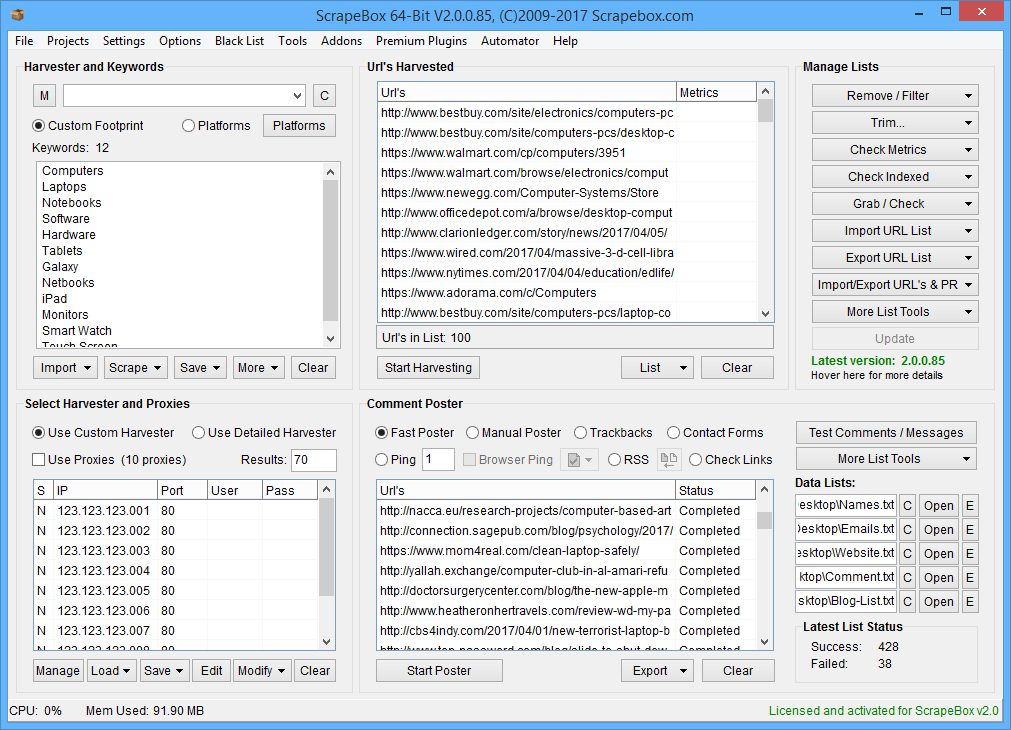
Begin by setting up your Windows VPS using your provider’s dashboard. Here’s a quick checklist:
- Create an instance and select the Windows Server 2022 image.
- Choose the appropriate vCPU/RAM tier based on your workload analysis.
- Pick the VPS region closest to you or your target sites.
- Enable automatic backups before the first boot.
Launch Checklist
- Open Remote Desktop (RDP) and install your SEO tools.
- Save crawl projects in a dedicated folder (for example, C:\SEO\Projects).
- In Task Scheduler, create a task with a daily trigger (e.g., 01:00) that launches your SEO tool.
- For more complex workflows, consider using a CI/CD runner or third-party scheduler to chain tasks: crawl → export CSV → upload to cloud → send an alert.
Monitor key metrics weekly such as CPU, RAM, Disk I/O, and most importantly, the crawl success rate. If CPU utilization regularly exceeds 85%, RAM nears capacity, or disk writes slow noticeably, upgrade your VPS before missed jobs start affecting your data quality.
Conclusion
If you plan to run Screaming Frog, GSA, or rank trackers continuously, do not use your computer, run your SEO stack on our Windows VPS. Choose a region near your target SERPs or data sources, ensure adequate memory to avoid excessive paging, and opt for modern CPU cores over the cheapest configuration. A low-performing Windows VPS will ultimately cost more in lost crawls and diminished data quality.
FAQ
Q: What are the main advantages of using a Windows VPS for SEO tools?
A: A Windows VPS offers dedicated CPU, guaranteed RAM, and full OS control, ensuring consistent performance during intensive SEO crawls.
Q: How much RAM is needed to run Screaming Frog with JavaScript rendering?
A: For simple HTML crawling, 8GB may be sufficient, but JavaScript-heavy sites typically require 16GB to prevent memory swapping and crashes.
Q: How does network latency impact crawl performance on a Windows VPS?
A: Higher latency increases waiting time between requests. A VPS located close to the target sites helps keep round-trip latency low, resulting in faster crawls.
Q: What best practices should be followed for IP rotation on a Windows VPS?
A: Use a few static IP addresses, label them for specific functions, implement controlled proxy rotation via scripts, and restrict RDP access to trusted IP ranges to ensure stable crawling.