
A dedicated server for streaming should be sized for the work it actually performs: forwarding an existing feed, encoding new video renditions, recording, or delivering streams to viewers. A large audience does not automatically mean you need a large GPU, and a fast network port does not solve an overloaded encoder.
Start with the codec, resolution, frame rate, concurrent inputs, required outputs, and delivery architecture. Then test a candidate configuration with representative content. This guide explains which specifications matter at each stage and what to verify before ordering.
Define the server’s role before comparing specifications
A relay can forward an already encoded feed without compressing it again when the output accepts that codec and format. FFmpeg calls this streamcopy: it skips decoding and encoding. It cannot apply filters such as resizing because those require decoded frames. Sending the same compatible feed to several destinations is therefore different from creating several resolutions or adding overlays.
If you send one contribution feed to a platform or CDN, that service may handle audience delivery and transcoding. For example, YouTube documents that it creates output formats from the incoming live feed. Your server’s outbound workload is then the contribution path, rather than one connection per viewer. If you serve viewers directly, audience concurrency and delivery bitrate become part of your server’s network load.
| Server role | What to validate |
|---|---|
| Relay a compatible feed | Input/output compatibility, destination count, sustained network traffic, and reconnection behaviour. |
| Encode or transcode | Real-time processing at the chosen codec, preset, resolution and concurrency, including decoding and filters. |
| Record or offer replay | Sustained writes, retention capacity, simultaneous reads and recovery after storage fills. |
| Deliver directly to viewers | Peak concurrent delivery, available egress, connection handling and geographic reach. |
Write down where each function runs. An OBS workstation, a relay server and a delivery platform can share the pipeline; the dedicated server does not need to repeat work already done elsewhere.
Choose CPU and GPU capacity from the encoding workload
The same GPU can produce very different throughput at different presets. The chart and table use one fixed NVIDIA test configuration to show why a hardware name alone is insufficient.
Preset choice changes encode throughput
RTX 4090 · H.264 · CBR · low-latency tuning
| Preset | Published throughput (fps) |
|---|---|
| P1 | 910 |
| P3 | 652 |
| P5 | 291 |
| P7 | 247 |
NVIDIA SDK 13.0 data, checked 26 October 2026: H.264, CBR, low-latency tuning, 1920×1080, 8-bit YUV 4:2:0, Windows 11, RTX 4090 at 2415 MHz video clock. Values are frames per second per NVENC engine; measurement date not stated.
Source: NVIDIA NVENC Application Note, performance table. These are vendor-reported encoding figures, not HostStage measurements or end-to-end stream capacity. The source supplies no clip, sample count, measurement date or quality scores. Do not convert them into a promised number of live streams.
NVIDIA describes a quality/performance trade-off. This comparison helps you ask for testing at your intended preset; it does not establish which preset gives acceptable picture quality for your content.
Software encoding and hardware encoding
For CPU encoding, test the actual encoder and settings. Core count and clock speed alone do not establish capacity across different processors. Include overlays, audio, packaging and background services in the test.
OBS explains that supported hardware encoders offload encoding from the CPU. This can help when encoding competes with other work, but you still need compatible drivers, an available encoder and an acceptable output at your chosen bitrate. A GPU advertised for graphics is not proof that your codec or required simultaneous sessions are supported.
Ask the provider for the exact GPU model, software access and permitted encoding configuration. For a relay that does not re-encode, adding a GPU may provide no useful benefit.
Size memory and storage for the complete pipeline
There is no reliable universal rule such as a fixed amount of RAM per stream. Memory use depends on resolution, decoder and encoder buffers, filters, application queues, concurrency and other processes. Measure peak resident memory and swap activity during the full workload, then allow room for the recovery and growth scenarios you intend to support.
Separate storage capacity from sustained I/O. A short live relay with no recording has different requirements from a service that records every input, generates clips and serves replay simultaneously. Check the drive model, usable capacity, redundancy policy and measured behaviour under those combined operations. Generic SATA or NVMe speed ranges do not prove your application’s throughput.
Estimate retention from the actual aggregate recording bitrate and duration, including audio and container overhead. Validate the estimate against a representative recording. Monitor free space, set a deliberate retention policy and test what the application does when space runs low. RAID availability and backups solve different problems; keep a separate recovery copy when recordings must survive deletion or corruption.
Separate network port speed from sustained delivery
Port speed is an interface limit. Your usable delivery rate also depends on the service’s committed bandwidth, shared capacity, routing and traffic policy. Ask whether an advertised high speed is sustained or burst-only, whether a transfer allowance applies, and how excess usage is handled.
For contribution to platforms, add the configured video and audio rates of the feeds you actually transmit. For direct delivery, account for simultaneous viewers and the renditions they receive. Protocol overhead, retransmission and bitrate variation need additional capacity; determine headroom from representative tests rather than applying an unexplained percentage to every workload.
Use the destination’s current ingest requirements. YouTube’s encoder settings distinguish codecs, resolution and frame rate; its recommendations are platform inputs, not universal server-port minimums. A single high-resolution contribution feed and a large direct-viewer service should not receive the same network recommendation.
Test the encoder-to-server route and the server-to-platform or viewer route independently. Geographic proximity can help, but actual routing, congestion, loss and jitter matter. Choose location using measurements at relevant event times, not a fixed latency-per-distance rule.
Test the full streaming workload before committing
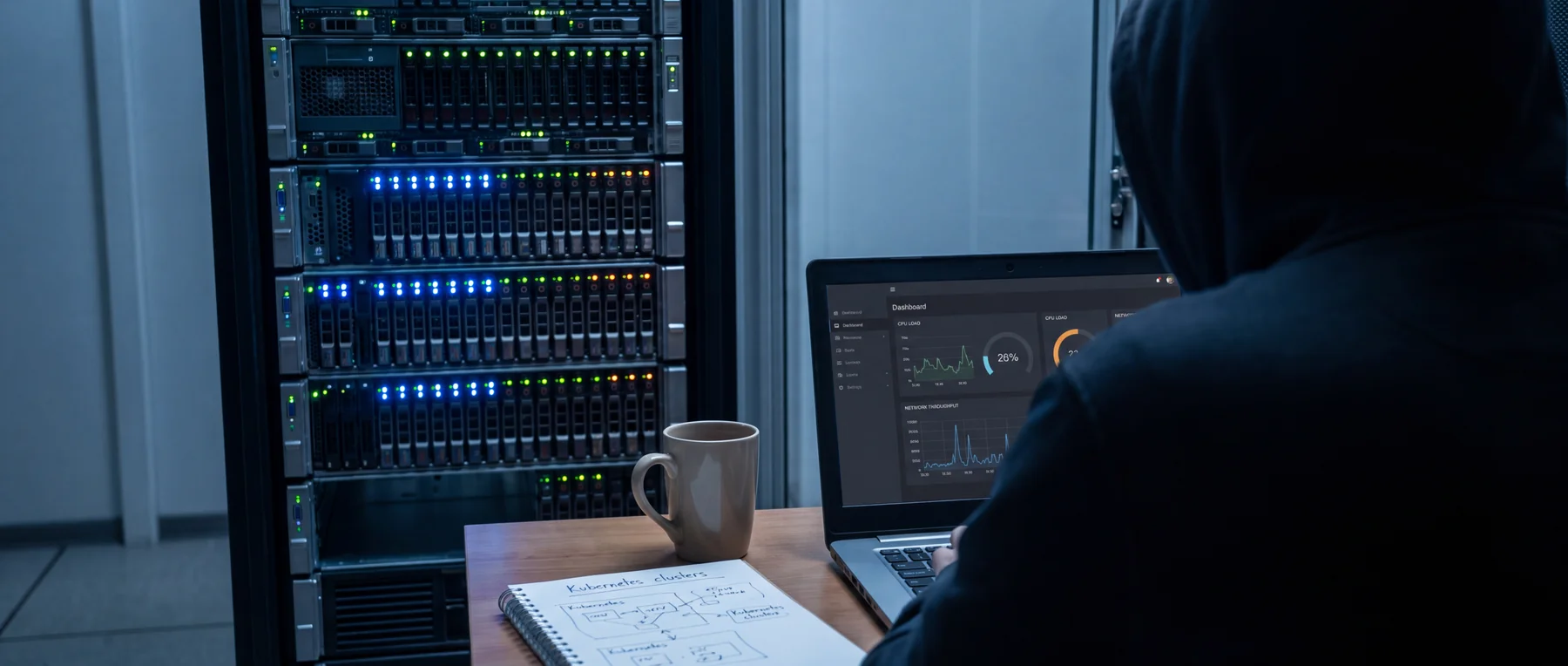
Run a rehearsal with the expected number of inputs and outputs, representative motion and audio, the production codec settings, recordings and monitoring enabled. Watch encoder lag or dropped frames, CPU and memory use, disk latency, network traffic, destination stream-health warnings and real player behaviour.
When you have FFmpeg installed, the following read-only ffprobe command inspects a local sample file. Replace sample.mp4 with your own file. It reports media properties; it does not benchmark the server or prove capacity.
ffprobe -v error -show_streams -show_format -of json sample.mp4
Some files do not expose every bitrate field. Keep the original output and the application settings together rather than treating a missing value as zero. For variable-rate material, also examine the traffic observed during the rehearsal.
Test recovery separately: an interrupted input, an unavailable destination, application restart, storage pressure and a server reboot. Confirm that the stream returns in the expected state, that credentials remain protected and that an operator receives useful alerts. Do not assume automatic restart also restores the correct media session.
Define acceptance criteria before the test: the required output quality and delay, acceptable interruption, recording integrity and recovery time. Increase load to the intended peak and examine sustained behaviour. A successful short sample is not proof of a full event’s reliability.
Choose the server and delivery plan together
Compare offers against your measured bottleneck. A relay may favour network consistency and operational simplicity. A transcoding service needs demonstrated encoder capacity. A recording-heavy service needs storage performance and retention. A direct-delivery service may benefit from a CDN or distributed delivery before a larger single machine.
HostStage offers unmanaged dedicated servers and unmetered dedicated configurations. Review the exact location, resources and bandwidth terms for the chosen offer, and confirm any GPU requirement before ordering. An unmanaged service also requires you to operate and maintain the streaming software.
For a smaller workload, compare the Streaming VPS range with a dedicated server. The product page distinguishes its unmetered bandwidth rates from a separate burst allowance; neither alone establishes how many simultaneous encodes the plan can sustain. Retest the application on the candidate plan instead of carrying over an unsupported stream-count claim.
Before an event, agree on support availability, maintenance handling, backup inputs and failover responsibilities. An uptime commitment does not guarantee uninterrupted playback or replace an application recovery plan.
FAQ
Do I need a GPU for a streaming server?
Only if the workload benefits from supported hardware acceleration. Forwarding an already encoded, compatible feed can avoid re-encoding. Creating new renditions or applying filters changes the requirement; test the complete pipeline.
How much RAM does a dedicated streaming server need?
Measure the application’s peak memory use with all planned inputs, outputs, filters and recordings active. Include recovery scenarios and other services. Resolution alone does not determine a dependable RAM minimum.
Does a 10 Gbps port prevent buffering?
No. Buffering can originate at the encoder, application, network path, delivery service or viewer connection. Verify sustained bandwidth and stream health, then identify the constrained stage before upgrading.
Does a larger audience require more encoding power?
Not necessarily. When a platform or CDN handles delivery, your server may send the same contribution feed regardless of viewer count. New encoded renditions increase processing work; direct viewer delivery increases the traffic your server handles.
Can I upgrade the server after an event grows?
Ask the provider which changes require downtime or migration and whether the intended hardware is available. Test the replacement configuration and recovery process before moving a live event.