
A traffic drop during a Google core update is a reason to investigate, not proof that your hosting caused it. Start by separating changes in search visibility from failures in crawling, page delivery and rendering. This checklist gives you a practical order for that investigation: establish the timeline, check access, measure response times, inspect rendering, then make a targeted change and verify it.
Hosting can affect availability and loading performance. It cannot guarantee recovery from a ranking change. Google’s page experience guidance says that good Core Web Vitals do not guarantee top rankings. Keep the technical investigation alongside a review of whether the affected content still answers the reader’s question well.
Establish the update and incident timeline
Core updates are broad changes to Google’s ranking systems. They do not target a particular website. Check the Google Search Status Dashboard for the actual rollout dates instead of assuming every rollout takes two weeks.
Google recommends waiting at least one full week after a core update finishes before assessing its effect in Search Console. Compare that period with a period before the rollout, and inspect affected pages and queries. See Google’s core update guidance. An active outage is different: restore service immediately rather than waiting for the ranking assessment window.
Create a single incident record containing the rollout dates, deployment times, DNS or CDN changes, plugin updates and first observed errors. Use one timezone throughout. Compare an affected page with an unaffected page of the same type. A problem isolated to one template calls for a different investigation from errors across the whole site.
Check crawl access before tuning speed

Confirm that important URLs return the intended content and status. Check redirects, robots.txt, accidental noindex directives, canonical URLs, CDN challenges and application errors. Use Search Console’s URL Inspection and Page Indexing reports alongside your server logs. A successful request from your laptop alone does not prove that a crawler can fetch and render the same page.
Google’s crawl budget documentation explains that slow responses, server errors and rate limiting can reduce crawl capacity. It primarily addresses large or frequently changing sites; ordinary sites should not assume that a ranking drop is a crawl budget problem. Crawling also does not guarantee indexing.
Before allowing or blocking a requester, use Google’s crawler verification procedure. A user-agent string can be imitated. The documented checks include reverse DNS followed by forward DNS verification, or matching the relevant published IP ranges. Avoid broad rules that block every request containing words such as “curl” or “python”; those labels do not establish abusive behavior.
For an incident handoff, collect the URL, timestamp, status, request duration and verified requester category. Keep IP addresses and query strings out of public reports when they contain personal data. Preserve the original logs privately so the diagnosis can be checked.
Measure TTFB with the request context attached
Time to First Byte measures the wait until the response starts arriving. Browser navigation TTFB can include redirects, DNS, connection setup and TLS negotiation as well as server processing. It is not a pure application execution timer and is not itself a Core Web Vital.
web.dev’s TTFB guidance suggests 0.8 seconds or less as a rough target, with values over 1.8 seconds considered poor. These are diagnostic guidelines, not Google ranking cutoffs or a hosting SLA. Discard the idea that every origin must respond within 100 milliseconds, or that crossing 200 milliseconds establishes SEO damage.
For a bounded spot check on a site you operate, replace the example URL with the final HTTPS URL of one representative page. Run this command from a terminal:
curl --silent --show-error --output /dev/null \
  --connect-timeout 10 --max-time 30 \
  --write-out 'status=%{http_code} dns=%{time_namelookup}s connect=%{time_connect}s tls=%{time_appconnect}s first_byte=%{time_starttransfer}s total=%{time_total}s\n' \
  'https://example.com/'
The curl manual defines these timings as cumulative elapsed times from the start. Do not add them together. The command does not follow redirects: a 3xx response measures that redirect response, so inspect it and test the intended final URL separately. A status such as 403 or 500 is not a successful page load even if its first byte arrives quickly. No example output here represents a measured HostStage result.
Record test location, time, URL, status and cache state. Repeat the check under comparable conditions, then compare it with real-user data and your own application instrumentation. Five terminal requests are a spot check, not a reliable p95 dataset. A test through a CDN measures that delivery path; it does not isolate the origin. Coordinate any direct-origin test with the operator so HTTPS identity and access controls stay intact.
| Observed pattern | Next evidence to collect | Avoid concluding |
|---|---|---|
| Cached responses are fast; misses are slow | Cache status, application traces and database timings | The origin is healthy because the homepage feels fast |
| Response time worsens under load | Worker queues, CPU, memory pressure and error rate | A larger plan will fix inefficient application work |
| HTML arrives quickly; content appears late | Browser waterfall and main-thread trace | TTFB explains the whole loading experience |
| Search clicks fall while delivery stays stable | Query, page and search-type comparisons | The host caused the ranking change |
This is an investigation guide, not a benchmark table. For more background, read HostStage’s TTFB and SEO guide.
Inspect the rendering path separately
“Render budget” is a useful planning phrase here, not a published Google core-update allowance. The current Core Web Vitals are Largest Contentful Paint (LCP), Interaction to Next Paint (INP) and Cumulative Layout Shift (CLS). First Contentful Paint is useful for diagnosis, but it is not one of those three.
Use a browser performance trace to identify the page’s actual LCP element. Check whether the browser discovers its resource early, whether CSS or JavaScript delays display, and whether oversized images or fonts add work. A fast HTML response can still lead to a slow visible page.
Following web.dev’s LCP guidance, avoid lazy-loading the LCP image. Consider a high fetch priority for the specific important image and preload only when resource discovery is demonstrably late. Preloading every stylesheet, font and image creates competition; a preload alone does not make a stylesheet non-blocking. Retest the waterfall after each change.
Do not restore HTTP/2 Server Push as an SEO fix. Chrome removed its support starting with version 106. Resource discovery and delivery should be tested using the browsers your audience actually uses.
Fix the measured origin bottleneck
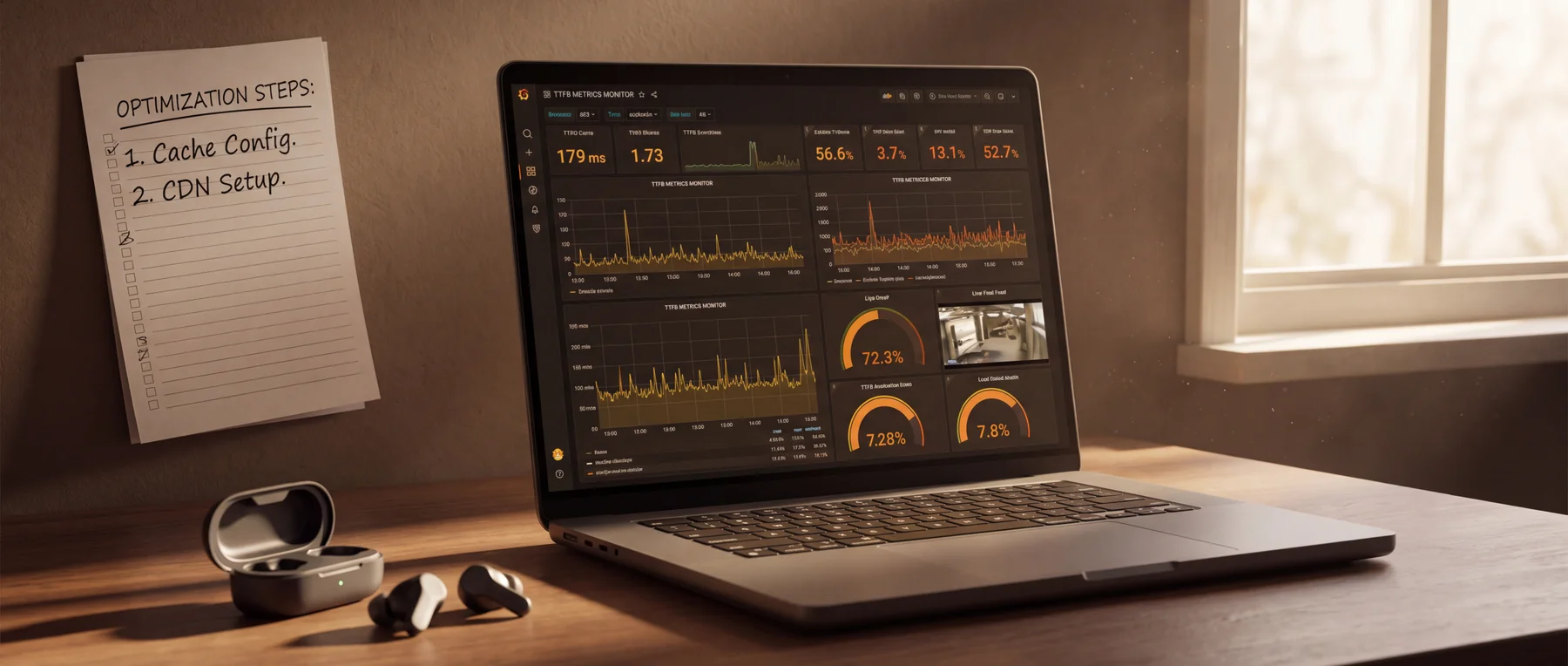
Start with the request path supported by your evidence. Review slow application operations, database queries, external API calls and worker saturation before changing kernel settings. Protocol tuning cannot remove an expensive database query. web.dev’s TTFB optimization guide discusses hosting, redirects, caching and content delivery as separate contributors.
For WordPress, examine the active theme and plugins, then test a suitable cache strategy. The WordPress optimization handbook covers caching and server capacity. Keep a rollback path and verify both anonymous pages and signed-in behavior.
| Change to evaluate | Useful when | Required check |
|---|---|---|
| Full-page caching | Repeated anonymous requests render the same page | Bypass personalized, account and checkout responses |
| Persistent object caching | Repeated application lookups can reuse results | Check compatibility and invalidation after edits |
| CDN delivery | Visitors repeatedly fetch cacheable resources over long routes | Verify actual cache status and content freshness |
| More server capacity | Measured resource limits persist after application review | Retest representative load and the remaining bottleneck |
Choose expiry times from the content’s freshness requirements. A universal cache TTL is inappropriate for both a static guide and a changing account page. Test invalidation explicitly: update a test page, check anonymous and authenticated views, and confirm that no user’s private response is served to another visitor.
If the evidence points to a capacity or management constraint, compare HostStage’s current web hosting options against your workload and support needs. Ask about the exact cache, resource and operational requirements you have measured. This checklist does not establish a plan-specific response time or promise a ranking improvement.
Verify recovery and keep the next action explicit
Separate two outcomes in the incident record: technical recovery and search visibility. Technical recovery means the affected request path works again under the conditions you tested. Search visibility needs its own comparison period. Do not close the investigation merely because a monitoring graph improved.
- Repeat the same URL, location and cache-state checks used for the baseline.
- Confirm content, status, redirects and critical user flows, including signed-in pages where relevant.
- Check error rate and request queues during a representative busy period. Keep total request duration distinct from time to first byte in monitoring labels.
- Record the change, owner, deployment time, evidence and rollback condition.
- Review the affected Search Console pages and queries separately, retaining the dates used for comparison.
For a broader infrastructure review, use HostStage’s SEO hosting requirements guide. The next hosting decision should follow an identified limitation and a repeatable test, rather than a promise to reverse a core update.
FAQ
Will moving to a faster host reverse a core update loss?
There is no guaranteed ranking recovery from a hosting move. Correct availability and performance problems when evidence shows them, then assess search visibility and content usefulness independently.
Is TTFB a Core Web Vital?
No. TTFB helps explain loading delays before content can appear. LCP, INP and CLS are the Core Web Vitals; improving one diagnostic metric does not prove the whole page experience is good.
Should a small website tune crawl budget after every update?
No. First investigate actual fetch or indexing problems. Google’s advanced crawl budget guidance is mainly relevant to large or frequently changing sites, rather than a routine response to every ranking fluctuation.
Can I use one curl result to compare hosting providers?
One result reflects one request path and moment. A meaningful comparison needs equivalent workloads, locations, cache states, response statuses and repeated observations. A quick error response must not be counted as a fast successful page.
What should I send hosting support?
Send the affected URL, timestamps with timezone, response status, reproduction steps, cache state and relevant sanitized logs. Explain the expected behavior and attach a comparable successful request when available. Never send credentials or private customer data in a public ticket.