
How to Choose the Best WordPress SEO Plugin
Search visibility has become one of the most important competitive advantages for any website. WordPress remains the most widely used CMS in the world, and SEO plugins play a central role in helping site owners manage metadata, structured data, sitemaps, indexing, and content optimization. As Google continues to evolve with AI‑driven search features, Core Web Vitals updates, and stricter quality guidelines, the tools you choose matter more than ever. This guide explores the leading WordPress SEO plugins in 2026, explains their strengths and limitations, and helps you understand which option truly qualifies as the best WordPress SEO plugin for your specific needs.
Choosing among the best SEO plugins for WordPress is never a one-size-fits-all decision, because each tool is built around a different philosophy and feature set. What works well for a blogger may not be ideal for an eCommerce store, and what an agency needs is very different from what a beginner needs. Keeping this context in mind makes the comparisons in this guide more meaningful and helps you evaluate each plugin based on your own goals.
What Defines a High‑Quality WordPress SEO Plugin?

A strong SEO plugin is more than a collection of features. It should integrate smoothly into your workflow, improve your site’s technical foundation, and support your long‑term content strategy. Before looking at individual plugins, it helps to understand the qualities that separate the best tools from the rest.
A great SEO plugin typically includes several important capabilities that work together to improve your site’s search performance.
- Technical SEO features such as metadata editing, XML and HTML sitemaps, canonical tags, indexing controls, and schema markup are essential because they help search engines understand your content structure.
- Content optimization tools like keyword suggestions, readability scoring, and on‑page analysis help writers and editors produce content that aligns with search intent and user expectations.
- Performance considerations matter because some plugins add unnecessary scripts or database queries that slow down your site, which can negatively affect rankings.
- Integrations with WooCommerce, multilingual plugins, and page builders ensure that your SEO setup works across your entire site rather than only on blog posts.
- Pricing and scalability determine whether the plugin remains viable as your site grows, especially if you manage multiple websites or run an agency.
Understanding these factors makes it easier to evaluate each plugin in context rather than relying on popularity alone when deciding which one deserves to be called the best WordPress SEO plugin for your site.
Yoast SEO
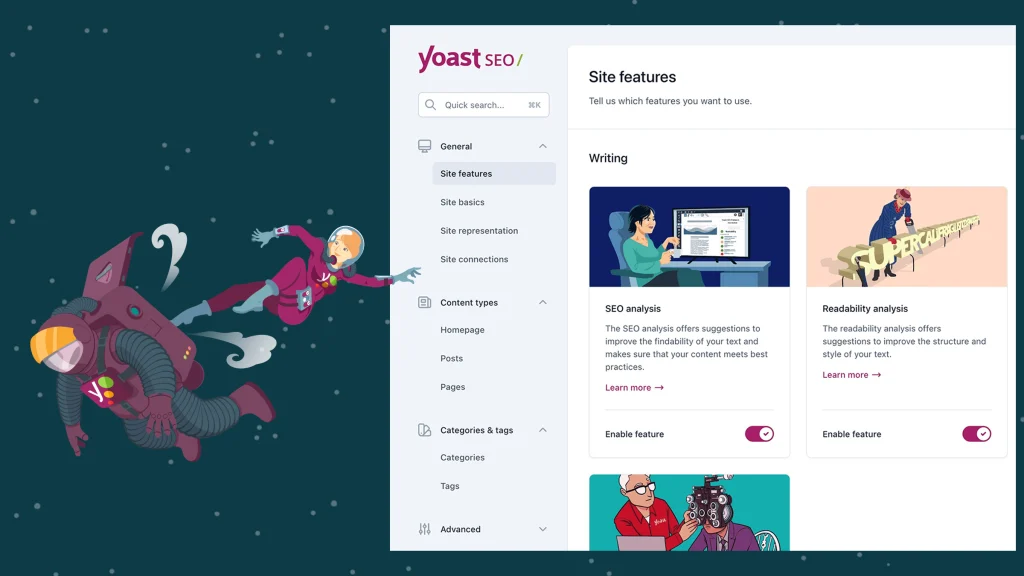
Yoast SEO has been a staple in the WordPress ecosystem for more than a decade. It remains popular because it provides a structured, guided approach to SEO that helps beginners understand what to optimize and why. The plugin includes a setup wizard, content analysis tools, and a readability checker that encourages clear writing.
- Strengths: Yoast’s strengths lie in its educational approach and its ability to guide users through optimization tasks. The plugin also generates a schema graph that helps search engines interpret relationships between different pieces of content.
- Limitations: However, Yoast can feel heavy on some sites, and many advanced features require upgrading to the premium version, which leads some users to consider it the best premium SEO plugin for WordPress in terms of guided optimization. This makes it a good fit for bloggers and small businesses that want a straightforward, supportive SEO tool without needing advanced customization.
Rank Math
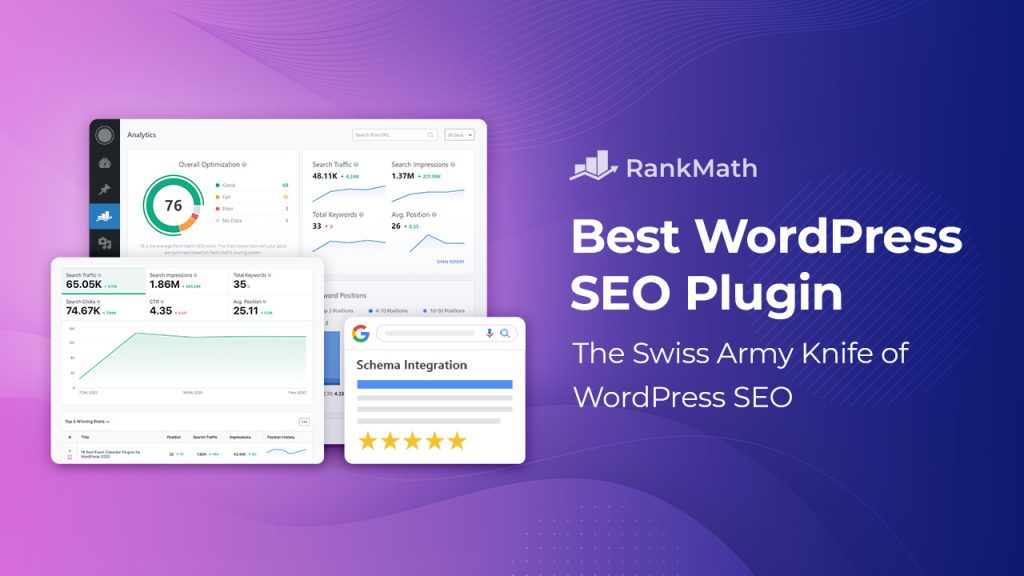
Rank Math has grown quickly due to its modular design and generous free feature set, with many users viewing it as the best free SEO WordPress plugin for feature depth. It appeals to users who want more control over technical SEO settings and structured data. The plugin includes an advanced schema builder, WooCommerce SEO tools, and detailed indexing controls that give experienced users more flexibility.
- Strengths: Rank Math’s modular architecture allows you to enable only the features you need, which helps maintain performance. The plugin also integrates well with page builders and offers analytics features that connect to Google Search Console.
- Limitations: However, the abundance of options can overwhelm beginners, and the rapid pace of feature releases means the interface changes frequently. Rank Math is best suited for power users, eCommerce store owners, and agencies that need a wide range of tools in one place.
All in One SEO (AIOSEO)
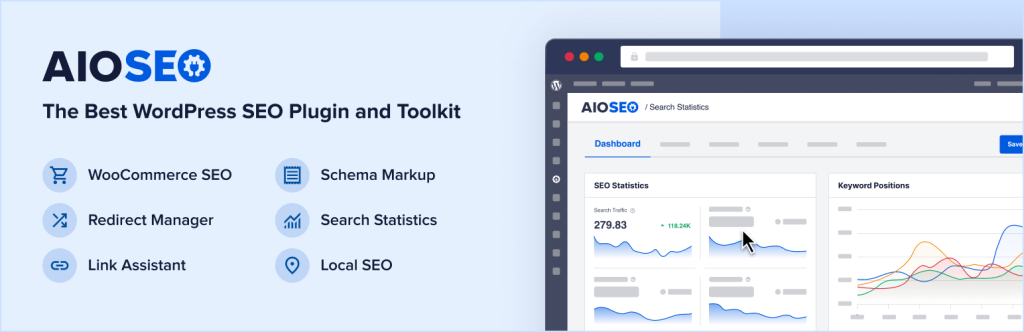
All in One SEO is one of the oldest SEO plugins for WordPress, and it has evolved significantly in recent years. The plugin now includes a modern interface, strong local SEO features, and tools that help with internal linking and content scoring. It also offers flexible sitemap controls that work well for complex sites.
AIOSEO’s strengths include its local SEO module, which helps businesses optimize for map results and location‑based searches. The plugin also includes a link assistant that identifies internal linking opportunities. However, many of its most useful features require a premium subscription, positioning it as a contender for the best premium SEO plugin for WordPress for businesses that need advanced modules. AIOSEO is a strong choice for local businesses and sites that publish a mix of content types. It also includes robust XML sitemap generation and schema markup tools, which help search engines understand the structure and meaning of your content more effectively.
SEOPress
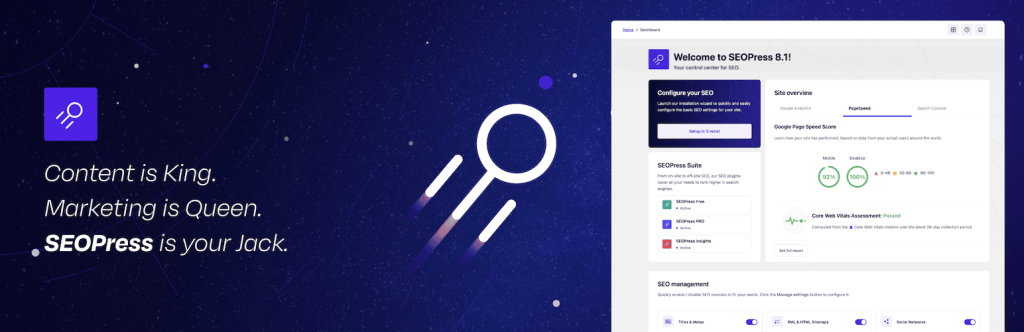
SEOPress is known for being lightweight, privacy‑focused, and developer‑friendly. It offers a clean interface and avoids the upsells that are common in other plugins. The plugin includes strong schema support, white‑labeling options, and compatibility with multisite installations, which makes it appealing to agencies.
SEOPress focuses on simplicity and performance rather than hand‑holding. It does not include as many guided workflows or content scoring tools as Yoast or Rank Math, but it offers deep customization for users who know what they want. This makes it a good fit for developers, agencies, and privacy‑conscious site owners who prefer a streamlined experience. SEOPress also provides comprehensive XML sitemap and schema capabilities, ensuring that even lightweight sites maintain strong technical SEO foundations.
The SEO Framework
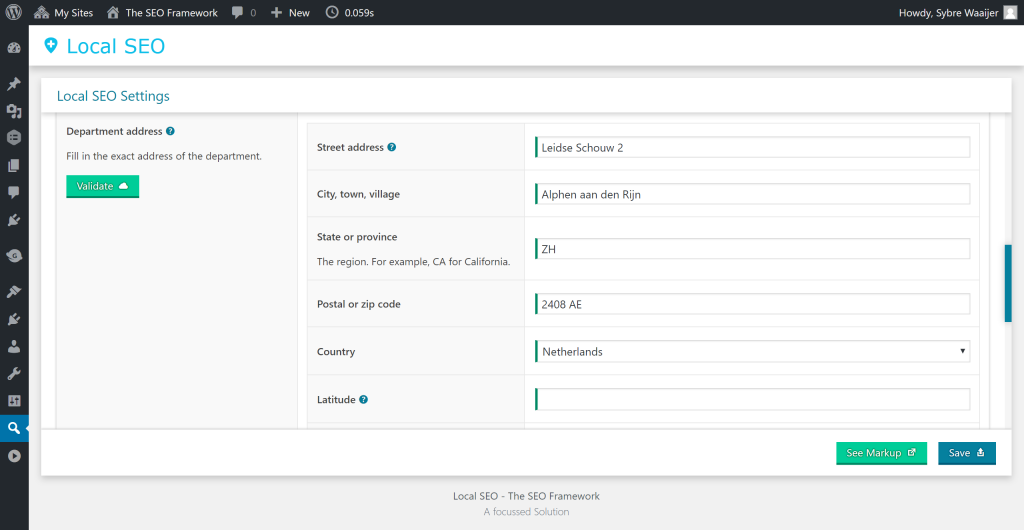
The SEO Framework takes a minimalist approach to SEO and is often mentioned as a best free SEO WordPress plugin for users who prioritize automation and speed. It emphasizes automation, performance, and clean code. The plugin avoids ads, upsells, and unnecessary features, which makes it one of the fastest SEO plugins available.
The SEO Framework automatically generates metadata, canonical tags, and structured data without requiring much input from the user. This makes it ideal for technical users who want a set‑and‑forget solution. However, it lacks the content analysis tools found in other plugins, and its ecosystem is smaller. It works best for performance‑critical sites and users who prefer automation over manual optimization.
Additional Plugins Worth Considering
Some plugins do not dominate the market but still offer unique features that may appeal to specific users. These tools can complement or replace traditional SEO plugins depending on your needs.
- Squirrly SEO focuses on AI‑driven guidance and real‑time optimization suggestions, which can help beginners understand SEO concepts more intuitively.
- Slim SEO provides an ultra‑lightweight alternative for users who want essential SEO features without any configuration.
- Jetpack Boost offers performance‑oriented tools that complement SEO plugins by improving Core Web Vitals and loading speed.
These options are not as comprehensive as the major plugins, but they can be valuable in the right context.
Choosing the Right Plugin for Your Site Type

Different types of websites have different SEO needs, and choosing the right plugin depends on your goals, your experience level, and the complexity of your content. Understanding how each plugin aligns with your site type helps you make a more informed decision.
Beginners and bloggers
Beginners benefit from tools that provide guidance, explanations, and clear scoring systems. Plugins like Yoast and AIOSEO offer structured workflows that help new users understand what to optimize and why. These tools reduce the learning curve and make SEO more approachable.
WooCommerce stores
eCommerce sites require more advanced schema, breadcrumb controls, and indexing settings. Rank Math excels in this area because it includes product schema, advanced WooCommerce integrations, and detailed control over how product pages appear in search results.
Agencies and developers
Agencies need tools that support white‑labeling, multisite installations, and deep customization. SEOPress offers these capabilities while maintaining a lightweight footprint. Developers also appreciate its clean interface and privacy‑focused design.
Performance‑critical sites
Sites that prioritize speed and minimal overhead benefit from plugins that avoid unnecessary scripts and database queries. The SEO Framework and SEOPress are strong choices for users who want fast performance without sacrificing essential SEO features.
Common Mistakes When Using SEO Plugins
Even the best plugin cannot compensate for poor configuration or conflicting tools. Many site owners make mistakes that hurt their rankings without realizing it. Understanding these pitfalls helps you avoid unnecessary problems.
- Installing multiple SEO plugins at once often leads to conflicts in metadata, sitemaps, and schema output, which can confuse search engines.
- Relying too heavily on content scores can lead to unnatural writing and keyword stuffing, which harms user experience.
- Overlapping features from caching plugins, theme settings, and SEO tools can create duplicate tags or conflicting directives.
- Misconfigured indexing settings can accidentally block important pages from search results.
- Ignoring performance impact can slow down your site, which affects rankings and user satisfaction.
Avoiding these mistakes ensures that your SEO plugin works as intended and supports your broader optimization strategy.
How to Migrate Between SEO Plugins Safely

Switching SEO plugins can be beneficial, but it must be done carefully to avoid losing metadata or breaking structured data. A smooth migration requires planning and testing to ensure continuity.
Start by exporting your metadata from the old plugin, including titles, descriptions, and social tags. Then review your redirects and recreate them in the new plugin to avoid broken links. After switching, validate your schema output using testing tools to ensure that search engines interpret your content correctly. Finally, check your sitemaps and indexing settings to confirm that everything is configured properly. Monitoring your rankings for a few weeks helps you identify any issues early.
A Practical Framework for Making Your Final Choice
Choosing the right SEO plugin becomes easier when you match your needs to the strengths of each tool instead of chasing whatever is marketed as the best WordPress SEO plugin at the moment. Users who want a simple, guided experience often prefer Yoast. Those who want the most features without paying immediately gravitate toward Rank Math. Performance‑focused users appreciate The SEO Framework, while agencies value the flexibility of SEOPress. Local businesses often find AIOSEO’s local SEO features especially helpful.
The best plugin is the one that aligns with your workflow, your technical comfort level, and your long‑term goals. A thoughtful choice ensures that your SEO foundation remains strong as your site grows.
Conclusion
The WordPress SEO plugin landscape in 2026 is rich with mature, capable tools that compete for the title of best WordPress SEO plugin across a wide range of needs. Whether you are building a personal blog, running an online store, or managing multiple client sites, the best SEO plugins for WordPress offer options that can fit your specific requirements. The key is understanding your goals and choosing a tool that supports them without adding unnecessary complexity. With the right plugin and a solid hosting environment, your site can achieve strong visibility and long‑term search performance.