- 2024.04.28 09:58
Throughout this guide, we will show you how to change and update your nameservers for any domain registrated at InternetBS.
This HowTo would be very useful if you intend to transfer the DNS over another web hosting offer with different IPs.
**Nameservers Registration is generally a 2 steps process as far as you need to register them first and then select them as the nameservers to be used.
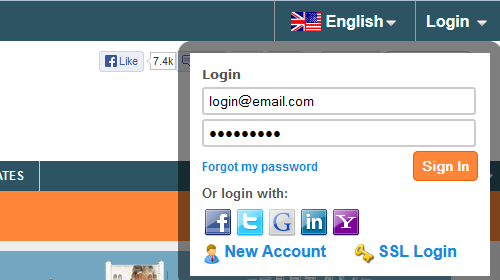
1) First, you would need to login to your InternetBS account :
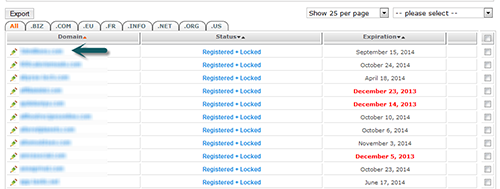
2) You should presently see your domain list, you would now need to click on the domain you want to change the nameservers for:
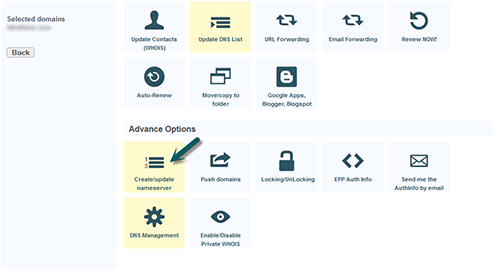
3) In your domain control panel you would need to click on Update DNS list :
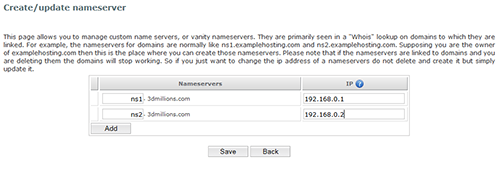
4) The last step consist in creating the nameservers associated to the IP you want. You can create as many you need in one go by clicking the add button. Once completed, you would need to save for your private nameservers to be registrated.